
Adobe Firefly Puts AI Audio Tools in One Creative Studio
AI KAPTAN
August 25, 2026
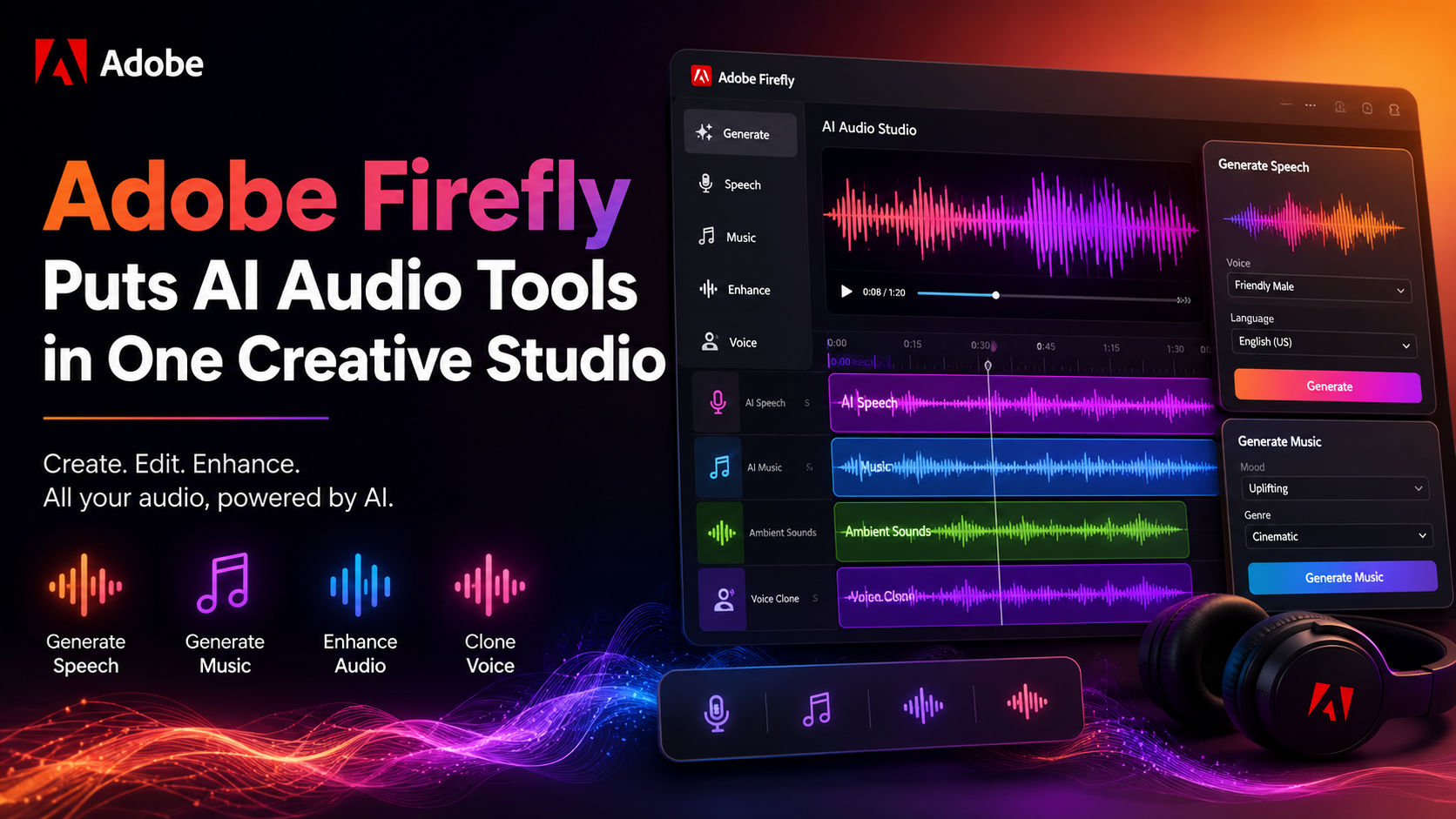
Quick answer: Adobe Firefly audio capabilities are now generally available, bringing AI-generated music, speech and sound effects into Adobe Firefly's all-in-one creative studio. Adobe says creators can work across image, video, audio and design from the same product while also accessing models from several partner companies.
Key Facts
- Adobe announced on August 20, 2026, that Adobe Firefly's audio capabilities were generally available for all users.
- Adobe Firefly now includes Generate Music, Generate Speech and Generate Sound Effects as part of its creative AI studio.
- Adobe says Adobe Firefly combines Adobe tools for image, video, audio and design with models from Google, ElevenLabs, Kling AI, Luma AI, OpenAI, Runway and other providers.
- Adobe introduced major Adobe Firefly updates in June 2026, including additional creative skills in Firefly AI Assistant and an early release of Elements for carrying characters, locations and objects across projects.
- Adobe's August announcement follows a Berklee College of Music survey of video creators, musicians and marketers in which nearly four in five respondents, or 80 percent, reported posting video content daily or several times a week.
Adobe Firefly Audio Moves Music, Voice and Effects Together
Adobe Firefly has expanded beyond visual generation with the general availability of its audio capabilities. According to Adobe's August 20 announcement, Adobe Firefly now gives creators access to music, voiceover and sound-effect generation inside the same creative AI studio used for image, video and design work.
The update addresses a specific production workflow described by Adobe: creators often move between separate workspaces, applications, browser tabs and large language models while developing an idea. Adobe Firefly is positioned as a single workspace where those different forms of creative production can sit together.
For creators, the new Adobe Firefly audio options are organized around three functions: Generate Music, Generate Speech and Generate Sound Effects. Adobe describes music, voiceover and sound effects as parts of storytelling that can be created alongside other media rather than handled in separate tools.
TechAU, reporting on the same update, described the change as moving the three audio tasks into Firefly alongside existing image and video work. The publication said Generate Music can create an instrumental track from prompts describing mood, genre or energy and can also analyze an uploaded video to match the output to the content's length.
What Adobe Firefly Audio Includes
The new audio offering is built around distinct generation tasks rather than a single generic audio prompt box.
Generate Music
Adobe Firefly's Generate Music feature uses Adobe's own Firefly Music Model, according to TechAU. Users can describe the kind of instrumental music they want through characteristics such as mood, genre or energy. TechAU also reported that the system can analyze an uploaded video when generating a track matched to the video's duration.
Adobe's own announcement places music generation within a broader production environment that already covers visual and design tasks. That means the music feature is part of a workflow where a creator may be developing several forms of media for the same project.
Generate Speech
Generate Speech adds voice generation to the Adobe Firefly audio toolkit. Adobe identifies voiceover as one of the three newly generally available audio capabilities, alongside music and sound effects.
The research brief does not provide further technical specifications about voices, languages, model architecture or output controls. Those details should not be assumed from the announcement alone.
Generate Sound Effects
Generate Sound Effects covers another production task that can otherwise require a separate audio workflow. Adobe says sound effects are now part of the generally available audio capabilities in Adobe Firefly, allowing them to sit alongside generated visuals, video and other creative assets.
Together, the three tools broaden the types of media that can be created inside one Adobe Firefly project environment.
A Multi-Model Studio, Not Just Adobe Models
A notable part of Adobe Firefly's positioning is its use of external models alongside Adobe technology. According to Adobe, the creative AI studio includes industry-leading models from Google, ElevenLabs, Kling AI, Luma AI, OpenAI and Runway, among others, while also bringing together Adobe's own tools across image, video, audio and design.
That gives Adobe Firefly a different role from a product built around one model family. The product is presented as a workspace where creators can move among different media types and available models without treating every generation task as a separate destination.
Adobe had already been building out that workspace earlier in 2026. In June, Adobe announced more creative skills in Firefly AI Assistant and an early release of Elements, a feature intended to help users save characters, locations and objects and carry them across projects. The August audio release adds another production layer to that broader product direction.
Why the Audio Release Focuses on Production Friction
Adobe's announcement is framed around the interruptions that happen after an initial creative idea begins moving through different tools. Image creation, video generation, voiceover, music and sound effects can involve separate applications and workflows, which can make a project harder to manage.
The Adobe Firefly audio release does not remove the need to make creative decisions, but it changes where several of those decisions and generation tasks can happen. A creator working on a video can now approach music, speech and sound effects from within the same Adobe Firefly environment described by Adobe for image, video and design.
That workflow matters particularly for frequent content production. Adobe cited a Berklee College of Music survey in which 80 percent of surveyed video creators, musicians and marketers said they post video content daily or several times a week. Adobe uses that finding to frame the demand for tools that can support repeated content creation across multiple media formats.
What This Means for Adobe Firefly Users
For existing Adobe Firefly users, the immediate change is straightforward: the product's audio capabilities are no longer described as limited to an earlier availability stage. Adobe says music, speech and sound effects are now generally available for all.
The broader change is that Adobe Firefly is being presented as a more complete creative production hub. Image generation, video, audio and design are grouped in one studio, while Adobe also offers access to named partner models.
For readers evaluating Adobe Firefly audio for a project, the available information in the research brief supports several concrete use cases: generating instrumental music, creating voiceovers and producing sound effects alongside visual content. The brief does not establish which tool or model will produce the best result for every use case, so broad quality comparisons would go beyond the supplied reporting.
FAQ
What are Adobe Firefly audio tools?
Adobe Firefly audio tools include Generate Music, Generate Speech and Generate Sound Effects. Adobe announced on August 20, 2026, that these capabilities were generally available for all users.
Can Adobe Firefly generate music?
Yes. TechAU reported that Generate Music uses Adobe's Firefly Music Model to create original instrumental tracks from prompts describing characteristics such as mood, genre or energy.
Can Adobe Firefly create voiceovers?
Yes. Generate Speech is one of Adobe Firefly's generally available audio capabilities and is intended for speech and voiceover generation.
Can Adobe Firefly generate sound effects?
Yes. Generate Sound Effects is one of the three Adobe Firefly audio functions announced as generally available alongside Generate Music and Generate Speech.
Which third-party models are available in Adobe Firefly?
Adobe says Adobe Firefly includes models from Google, ElevenLabs, Kling AI, Luma AI, OpenAI and Runway, alongside Adobe's own creative tools and models.
Author