
Adobe Firefly Adds AI Audio Tools for Speech and Music
AI KAPTAN
August 24, 2026
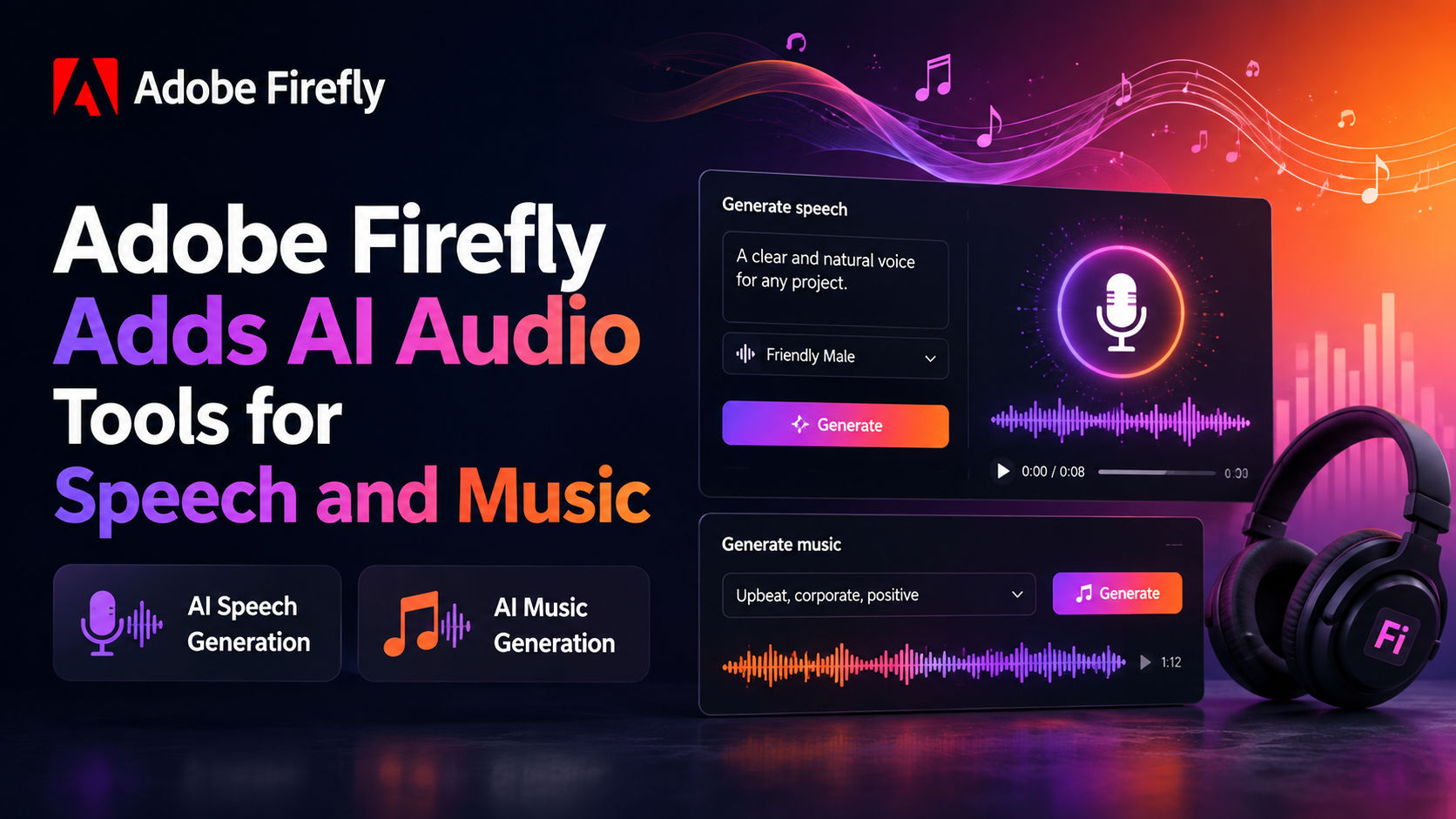
Quick answer: Adobe Firefly has made three new AI audio tools available for creators: Generate Music, Generate Sound Effects and Generate Speech. The Adobe Firefly audio tools are designed for targeted audio creation and can generate material for uses such as video soundtracks, sound effects and spoken audio.
Key Facts
- Adobe announced the new AI audio tools in Firefly on Thursday, according to CNET's August 2026 report.
- Adobe Firefly's new audio features are called Generate Music, Generate Sound Effects and Generate Speech, according to TechRadar.
- Adobe head of AI audio Jay LeBoeuf told CNET that Adobe is focusing on targeted, professional-grade audio tools for filmmakers, musicians and creators.
- CNET reported that Adobe's new tools can generate speech, music and sound effects and are available through Adobe Firefly, Adobe's browser-based AI hub.
- TechRadar reported that the three tools had previously been in beta and are now available to all creators.
What Adobe Firefly's new audio tools do
Adobe is expanding Firefly beyond its existing role as an AI creation hub with three dedicated audio-generation tools. Each one addresses a different production task: creating instrumental music, producing sound effects or generating spoken audio.
According to TechRadar, the three additions are Generate Music, Generate Sound Effects and Generate Speech. The naming is direct, but the distinction matters because Adobe is presenting separate controls for separate audio needs rather than one general-purpose music generator.
CNET described the approach as more targeted than services that generate complete songs in seconds. Jay LeBoeuf, Adobe's head of AI audio, told CNET that Adobe's goal is to build tools that are useful for creators and address specific pain points in audio creation and editing.
That makes the Adobe Firefly audio update particularly relevant to people producing video, social content and other projects that need individual audio elements. A creator might need spoken narration for a script, a soundtrack for a short video, or a custom sound effect for a scene. Adobe is positioning the new tools around those individual tasks.
Generate Music focuses on custom soundtracks
Generate Music is Adobe Firefly's new tool for creating music. CNET reported that Adobe is aiming the feature at creators who need custom soundtracks rather than trying to compete around instant generation of complete songs.
Jay LeBoeuf told CNET that the new audio tools are intended to provide useful options for filmmakers, musicians and creators. CNET also reported that Adobe is offering custom soundtrack creation with licensing considerations in mind through Adobe's universal license.
The distinction is useful for video production. Background music is often one part of a larger edit, and a creator may want an instrumental track that fits a particular piece of content rather than a finished song with vocals and a conventional song structure.
TechRadar tested Generate Music after the feature left beta and reported that the new Firefly audio tools generally delivered on their promises, while also showing some quirks during testing. That practical testing is a reminder that generated output still needs to be checked in the context where it will actually be used.
Generate Sound Effects adds another layer to video production
Generate Sound Effects is aimed at creating individual sounds for projects. Alongside music and speech, sound effects give Adobe Firefly a third type of generated audio that can be used during content production.
CNET reported that the broader Firefly update can generate sound effects alongside speech and music. For a filmmaker or social video creator, that means the same browser-based Adobe Firefly environment can now cover multiple types of audio generation.
The approach differs from a traditional audio library workflow because the new feature is built around generating a sound rather than searching through a fixed collection. The research brief does not provide technical specifications about output formats, controls or generation limits, so those details should be confirmed directly within Adobe Firefly before production use.
Generate Speech turns scripts into audio
Generate Speech handles AI-generated spoken audio. CNET specifically described a use case in which a creator's script can be converted into audio and overlaid on a TikTok video.
That gives Adobe Firefly a direct path from written material to an audio element that can be incorporated into a broader creative project. The tool is part of the same group of new Firefly audio features as Generate Music and Generate Sound Effects.
The research brief does not specify the number of available voices, supported languages or voice customization controls. Those are important practical questions for creators, but they are not answered by the sources provided here and should not be assumed.
Who the Adobe Firefly audio tools are aimed at
The reporting in the research brief points to filmmakers, musicians, marketers and other creators who need audio as part of a larger production workflow. CNET quoted Jay LeBoeuf describing the tools as professional-grade options built around specific creative tasks.
TechRadar approached the release from a creator and marketer perspective and tested all three tools after their move out of beta. The publication found the tools generally effective, though its testing also identified quirks.
The strongest fit may be for creators whose work requires individual audio assets rather than a fully automated production process. Adobe's approach, based on the details in CNET's report, is centered on generating pieces of audio that can be placed into videos and other projects.
What changes for Adobe Firefly users
The main change is that Adobe Firefly now includes three distinct AI audio-generation capabilities in its browser-based platform: music, sound effects and speech.
CNET reported that access requires Adobe Firefly, which may already be included with an existing Adobe Creative Cloud subscription depending on the user's plan. The research brief does not provide a full pricing breakdown for the new tools, so it would be inaccurate to assign a separate price or usage allowance here.
For creators already using Adobe Firefly, the addition brings audio into the same AI platform where Adobe has been building its broader set of generative tools. For new users, the practical question is less about whether AI can generate audio and more about whether Generate Music, Generate Sound Effects or Generate Speech fits the specific production task at hand.
FAQ
What are the new Adobe Firefly audio tools?
Adobe Firefly has added Generate Music, Generate Sound Effects and Generate Speech. The three tools generate music, sound effects and spoken audio for creative projects.
Is Adobe Firefly's AI audio available to creators now?
Yes. TechRadar reported that the three AI audio tools had been in beta and are now available to all creators.
Can Adobe Firefly generate AI music?
Yes. Generate Music is one of Adobe Firefly's three new AI audio tools and is designed to create music for creator projects, including custom soundtracks.
Can Adobe Firefly turn a script into speech?
Yes. CNET reported that Generate Speech can create spoken audio from a creator's script, including audio that can be used with short-form video.
Does Adobe Firefly generate sound effects?
Yes. Generate Sound Effects is a dedicated Adobe Firefly tool for creating sound effects alongside the new music and speech features.
Do the new Adobe Firefly audio tools have separate pricing?
The research brief does not provide separate pricing for Generate Music, Generate Sound Effects or Generate Speech. CNET reported that access requires Adobe Firefly, which may be included with some Adobe Creative Cloud subscriptions.
Author