
Google Adds AI Marketing Tools to Ads and Analytics
AI KAPTAN
August 14, 2026
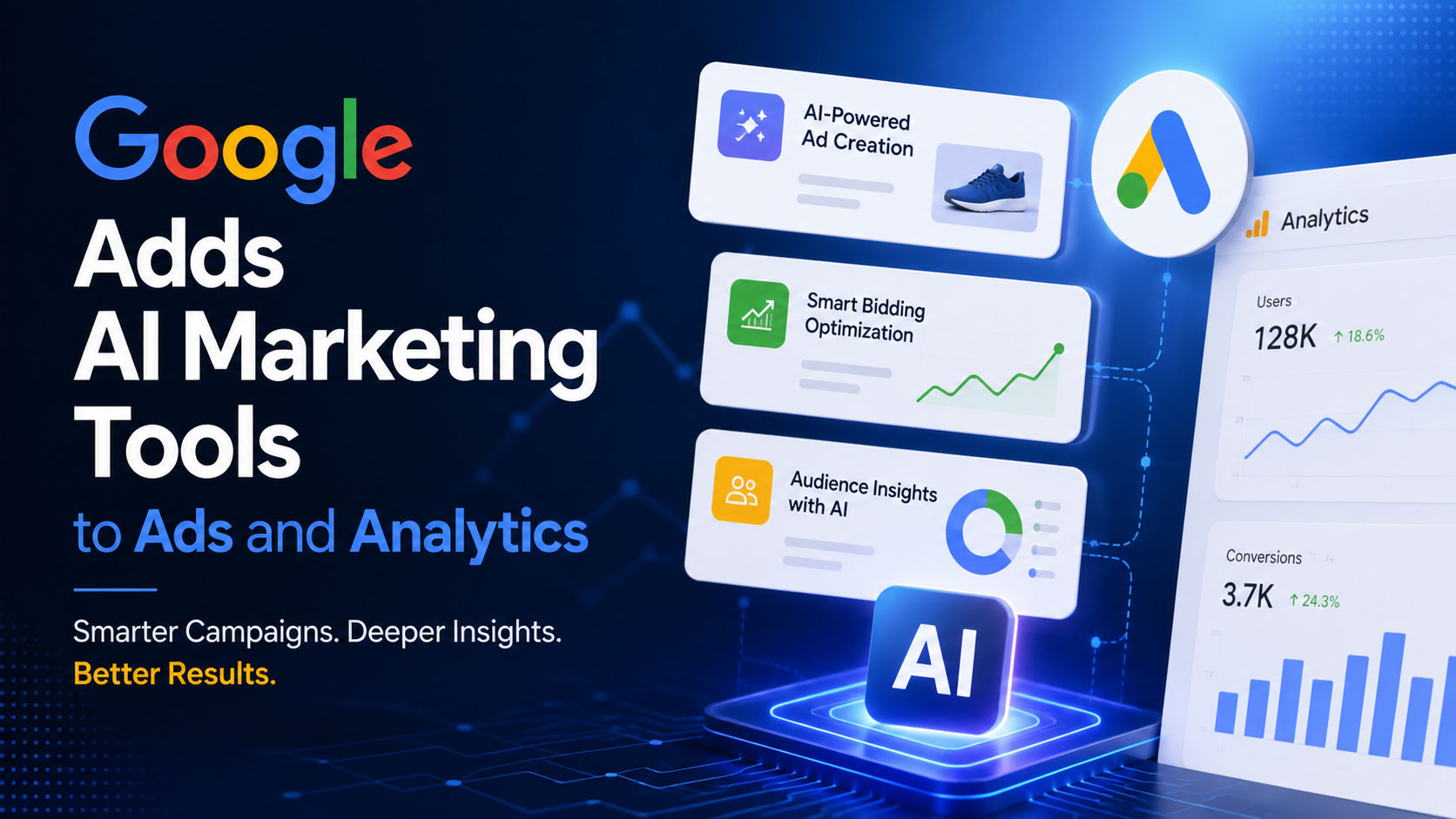
Quick answer: Google is adding AI and agentic experiences to Google Ads and Google Analytics, including AI-powered summaries, prompt-based visual reports, and performance benchmarking. The goal is to help marketers find useful insights and act on them faster without manually working through every data point.
Key Facts
- Google says its new AI tools are being added across Google Ads and Google Analytics to simplify marketing workflows and help users uncover insights faster.
- Google Ads and Google Analytics users can access AI-powered summaries on their homepages, according to Google.
- Users can create visual reports with simple text prompts, allowing natural-language requests to become customized reports.
- Google is adding the ability to benchmark performance against similar businesses, giving marketers another way to interpret their results.
- Google says it introduced Ask Advisor, an in-product AI agent across Google's marketing platforms, as part of its broader move toward AI and agentic experiences.
Google AI marketing tools move from dashboards to answers
The latest Google update focuses on a familiar problem in digital marketing: marketers have access to large amounts of campaign and analytics data, but turning that data into a useful next step can take time.
Google's new Google AI marketing tools are designed to reduce some of that manual work. According to Google, users can now receive AI-powered summaries directly on their homepages rather than starting with a blank dashboard and working through individual metrics.
That changes the starting point for analysis. Instead of asking a marketer to locate every relevant report first, the interface can summarize information and surface potential areas for attention. Google also says its AI tools can suggest ways to improve advertising campaigns.
The distinction matters because the feature is aimed at both interpretation and action. A summary can tell a marketer what is happening; suggestions can help point toward what to examine next.
Text prompts turn marketing data into visual reports
One of the more practical additions is the ability to create visual reports using simple text prompts.
According to Google, marketers can use natural-language instructions to create custom reports rather than manually configuring every part of a report. A user can describe the information they want to see, and the AI-powered experience can turn that request into a visual representation of the data.
For marketing teams, this makes reporting more conversational. The value is less about generating another chart and more about reducing the number of steps required to reach a specific view of campaign or analytics performance.
The approach also fits Google's wider description of AI and agentic experiences. Rather than treating AI as a separate chatbot, Google is putting AI capabilities directly inside the marketing products where the underlying data already exists.
Google adds benchmarking to marketing analysis
Google is also adding benchmarking capabilities that let users compare their performance with similar businesses.
Performance data can be difficult to interpret when viewed in isolation. A campaign may appear to be performing well or poorly, but the raw result does not necessarily explain how that performance compares with other businesses operating in a similar context.
Google says the new tools can provide that comparison. This gives marketers another reference point when evaluating performance and deciding where further investigation may be worthwhile.
The benchmarking feature is particularly relevant to teams that already spend time moving between campaign dashboards, analytics reports, and external comparisons. Bringing more of that analysis into Google’s marketing products could reduce some of the manual research involved in evaluating results.
Ask Advisor brings an agent into Google's marketing platforms
Google's update also points toward a broader product direction through Ask Advisor, which Google describes as an in-product AI agent across its marketing platforms.
The significance of Ask Advisor in this update is its placement inside existing marketing workflows. Rather than requiring users to export information into a separate AI system, Google is building AI assistance into the tools marketers already use for advertising and analytics.
That creates a more direct connection between analysis and execution. A marketer can work with campaign or analytics information inside the same environment where marketing decisions are being made.
Google's announcement frames this as part of a shift toward AI and agentic experiences across Google Ads and Google Analytics. The company says these tools are intended to help users uncover insights and act faster.
What marketers can do with the new tools
The strongest use cases described by Google are practical rather than experimental.
Summarize performance: AI-powered homepage summaries can provide a faster starting point for understanding account activity and data.
Create custom reports: Text prompts can be used to request visual reports without building every report element manually.
Compare performance: Benchmarking can provide context by comparing results with similar businesses.
Identify campaign improvements: Google says its AI tools can suggest ways to improve advertising campaigns.
These capabilities cover several steps of the same workflow: understanding the data, asking for a specific view, putting performance into context, and identifying possible actions.
Why this update matters for AI-powered marketing workflows
The broader direction is clear from Google's own description of the release: AI is being placed inside marketing software rather than treated only as a separate destination for questions and prompts.
That approach also appears across the wider AI tools market described in the research brief. DataCamp's 2026 guide covers free AI tools for tasks including writing, coding, image and video generation, research, and audio. IMPACT's review highlights tools for planning, drafting, repurposing, and editing content. Mastra's business AI guide focuses on tools that can work with business data, generate outputs, predict outcomes, and trigger actions.
Google's update is more narrowly focused on marketing data and advertising workflows. Its new capabilities therefore fit into a larger pattern while targeting a specific business task: helping marketers move from raw information toward analysis and action with fewer manual steps.
For users of Google Ads and Google Analytics, the practical question is no longer simply whether AI can analyze marketing data. The more useful question is which parts of the existing reporting and decision-making workflow can now be handled through natural-language requests, automated summaries, and in-product assistance.
FAQ
What are Google's new AI marketing tools?
Google's new AI marketing tools add AI and agentic experiences to Google Ads and Google Analytics, including AI-powered summaries, prompt-based visual reports, benchmarking, and Ask Advisor.
Can Google Ads create reports using text prompts?
Yes. Google says users can create visual reports with simple text prompts, allowing them to request customized views of marketing data.
What is Ask Advisor?
Ask Advisor is an in-product AI agent that Google introduced across its marketing platforms to help users work with marketing information and act on insights.
Can Google marketing tools compare my performance with other businesses?
Yes. Google says its new tools can benchmark performance against similar businesses, providing additional context for evaluating marketing results.
What can Google's AI tools do for advertising campaigns?
Google says the AI tools can summarize data and suggest ways to improve ad campaigns, helping marketers identify areas for further action.
Are these AI features separate from Google Ads and Google Analytics?
Google is adding these capabilities directly to Google Ads and Google Analytics, making AI assistance part of existing marketing workflows rather than requiring a separate tool.
Author